

AVIF to JPEG XL Converter
Convert AVIF Images to JPEG XL Format
Private by default · files deleted in 24hCapterra Best Ease of Use 2025
Real example: what you get
We converted three test images with our AVIF to JPEG XL converter at its default settings and measured the files that came out. Measured on .
| Test image | File size, AVIF → JPEG XL | Quality |
|---|---|---|
| Photo | 276.5 KB → 416.0 KB50% larger | Looks the same at normal size |
| Test chart | 26.0 KB → 135.1 KB5.2x larger | Looks the same at normal size |
| Text and graphics | 60.0 KB → 192.8 KB3.2x larger | Looks the same at normal size |
Photo
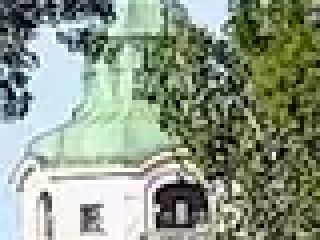
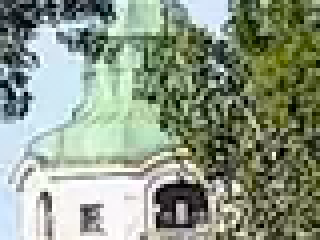
AVIF and JPEG XL side by side, zoomed in 4x
A nature photo of the Isar river in Munich: water, leaves, sky and a stone bridge. Made from our lossless PNG original, scaled down from 2400 x 1600 to 1600 x 1067 px, with our PNG to AVIF converter at its default settings.
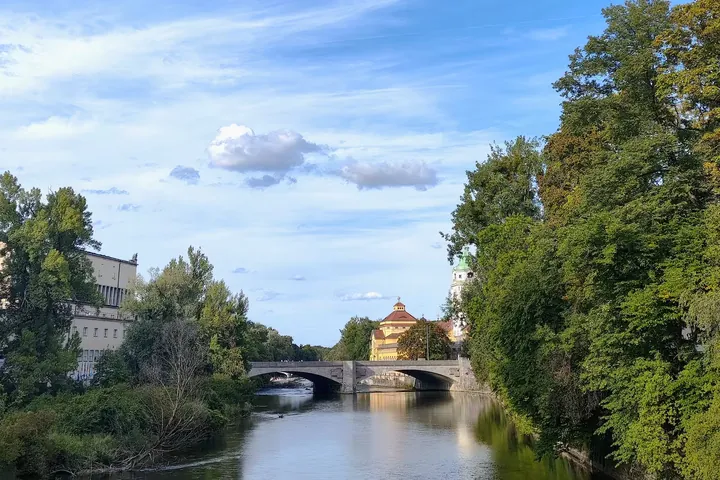 Original
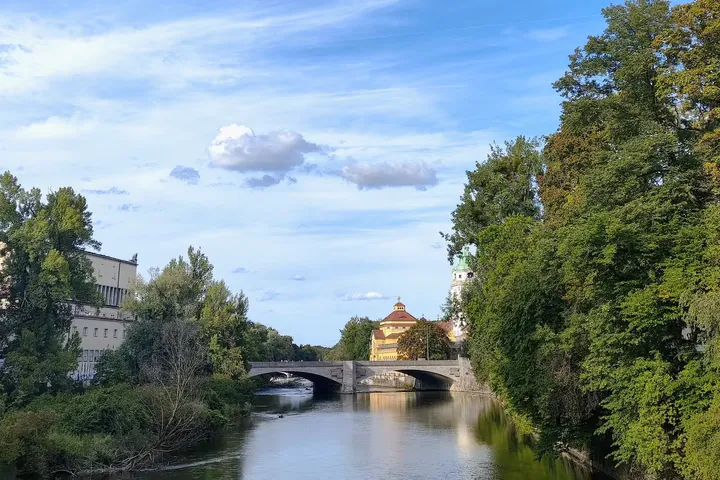 Converted
JPEG XL416.0 KB
1600 × 1067 px
Preview only: most browsers cannot show JPEG XL files.
Download the JPEG XL file- Quality
- Looks the same at normal size. Detail score 0.986 (1 = identical), measured in the busiest 5% of the image.
Original AVIF
Converted JPEG XL
Test chart
AVIF and JPEG XL side by side, zoomed in 4x
A test chart: color bars, a gray wedge, smooth gradients, fine line pairs and colored text. Made from our lossless PNG original, with our PNG to AVIF converter at its default settings.
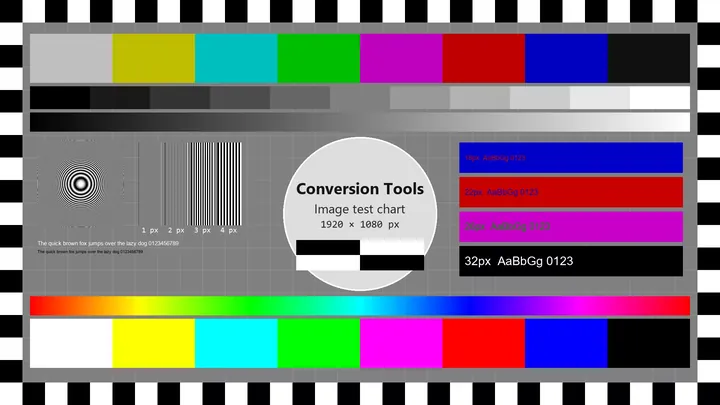 Original
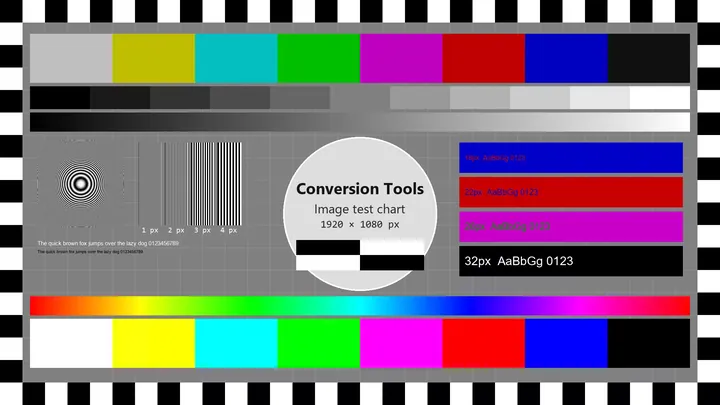 Converted
JPEG XL135.1 KB
1920 × 1080 px
Preview only: most browsers cannot show JPEG XL files.
Download the JPEG XL file- Quality
- Looks the same at normal size. Detail score 0.990 (1 = identical), measured in the busiest 5% of the image.
Original AVIF
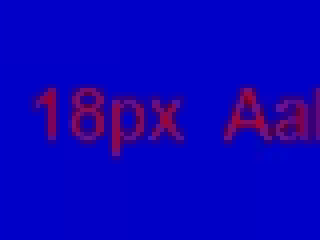
Converted JPEG XL
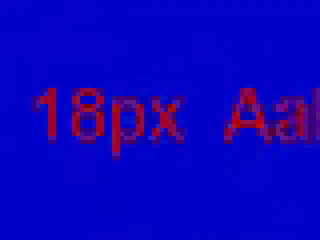
Text and graphics
AVIF and JPEG XL side by side, zoomed in 4x
A card with text from 12 to 78 px, colored badges, a thin-line chart, text over a photo and transparent rounded corners. Made from our lossless PNG original, with our PNG to AVIF converter at its default settings.
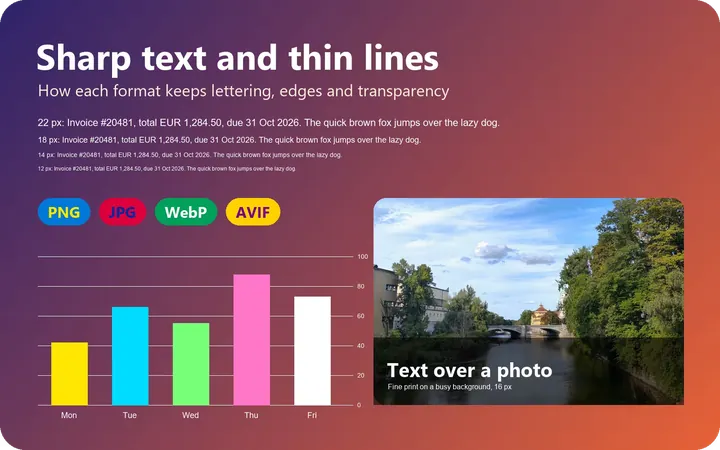 Original
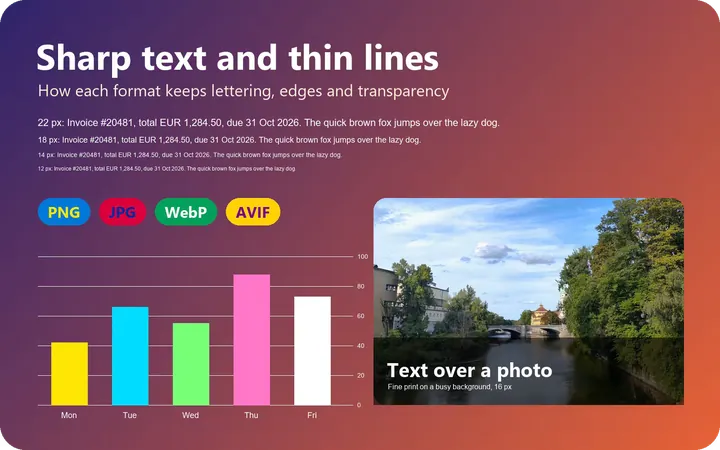 Converted
JPEG XL192.8 KB
1600 × 1000 px
Preview only: most browsers cannot show JPEG XL files.
Download the JPEG XL file- Quality
- Looks the same at normal size. Detail score 0.988 (1 = identical), measured in the busiest 5% of the image.
- Transparency
- Kept exactly: the transparent corners are still transparent.
Original AVIF
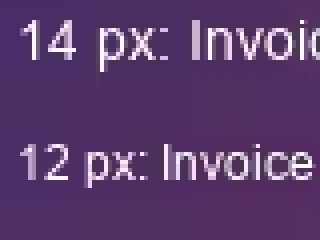
Converted JPEG XL
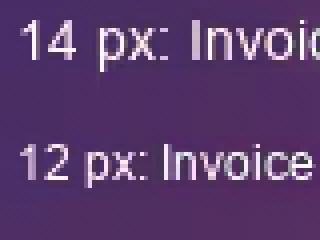
How we measured
Each test image goes through the same converter you use on this page, with its default settings. We then compare the file that comes back with the file that went in, pixel by pixel, both decoded at full size. "Pixel-identical" means every pixel matches.
The quality words come from SSIM, a standard score for how alike two images look, taken in the busiest 5% of each image so that a calm sky cannot hide damaged detail. We set the thresholds by looking at zoomed-in crops of the same images.
The test images are our own: a photo we took and a test chart and text card we drew. We measure again whenever the converter changes.
Convert AVIF to JXL from your AI agent
- Ask your agent: “Convert image.avif to JXL with Conversion Tools.”
- It runs this same converter, so you get the same result
- Right from your workflow, no browser needed
Connect it to:
Set up your agentNeed a different result? Build your own converter with AI
- Describe the result you want in plain words, no coding
- Other columns, a different layout, or a format we don't list
- Test it on your own file before you use it
- Free to build and test, then runs on your plan's limits
More Converters
- Sign in to work securely with your files. Sign in or Sign up for full access.
- Conversion time varies by file size; thank you for your patience.
- Limits apply to maximum conversions and file size. See available plans on the Pricing page.
- Unregistered users: up to 5 conversions/day, up to 50 conversions/month, and 10 MB per file. Sign up to extend your limits.
- Need help converting files? Contact us.