

How to Convert XML to Excel: Step-by-Step Guide
This guide walks through each step of turning an XML file into an Excel spreadsheet, and explains how nested XML elements map onto spreadsheet rows and columns.
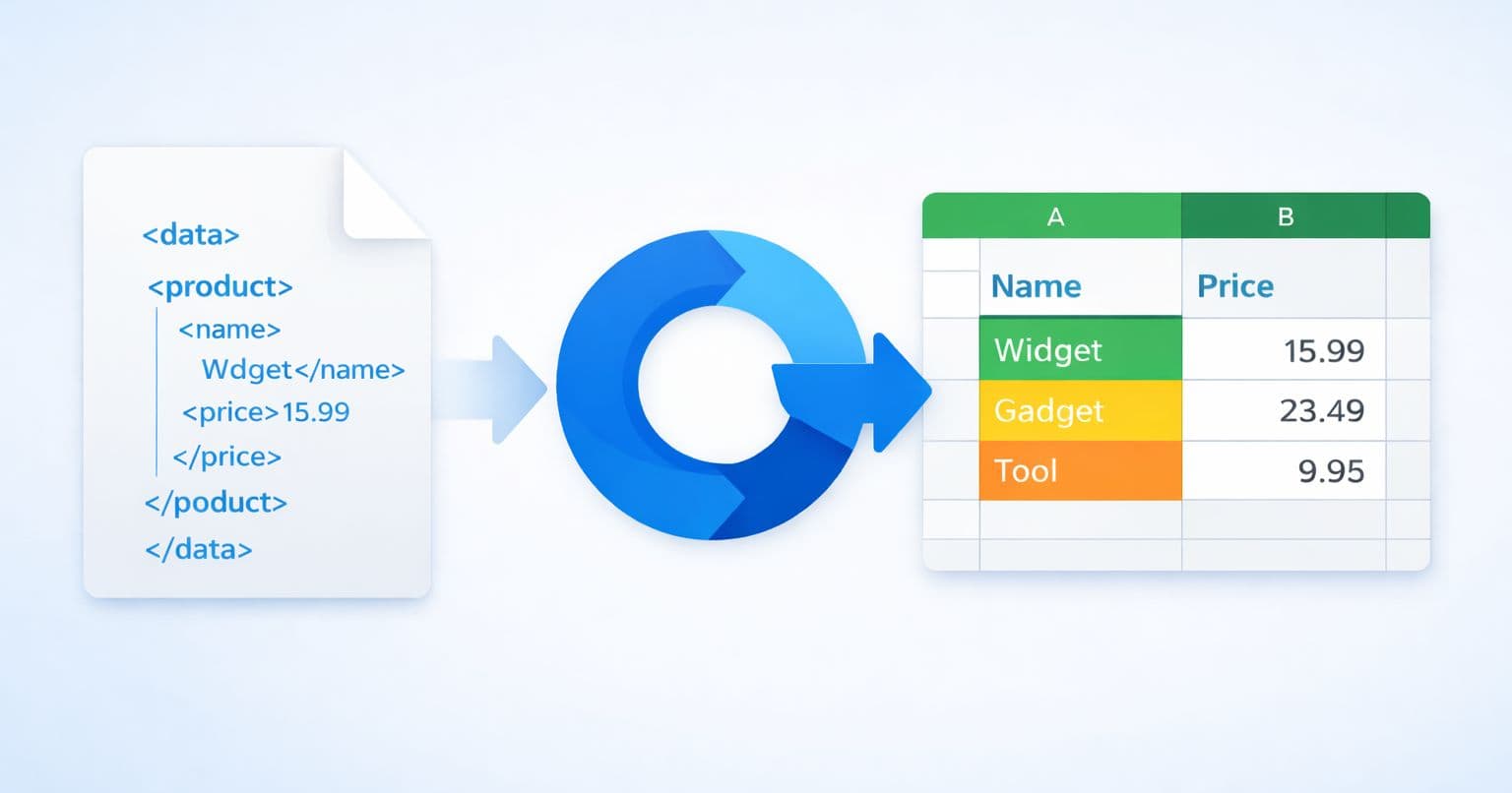
If you just want to get the job done, open the XML to Excel converter and upload your file. The rest of this guide explains what happens to your data along the way, how nested XML becomes rows and columns, and which options to reach for when the structure is complicated.
Open the XML to Excel converterWorking with a legacy Excel 2003 XML Spreadsheet (SpreadsheetML) saved by Excel itself? That is a different format, and it has its own tool: Excel XML Spreadsheet to XLSX.
Why Convert XML to Excel?
XML (Extensible Markup Language) is widely used for storing and transporting data, but its hierarchical structure can be difficult to read and analyze. Converting XML to Excel allows you to:
- Visualize data clearly in rows and columns
- Filter and sort information easily
- Create charts and reports from your data
- Share data with colleagues who prefer spreadsheets
- Perform calculations using Excel formulas
Understanding XML File Structure
XML files use a tree-like structure with nested elements and tags. While this format is excellent for data exchange between systems, it's not ideal for human analysis.
Here's an example of a typical XML file structure:
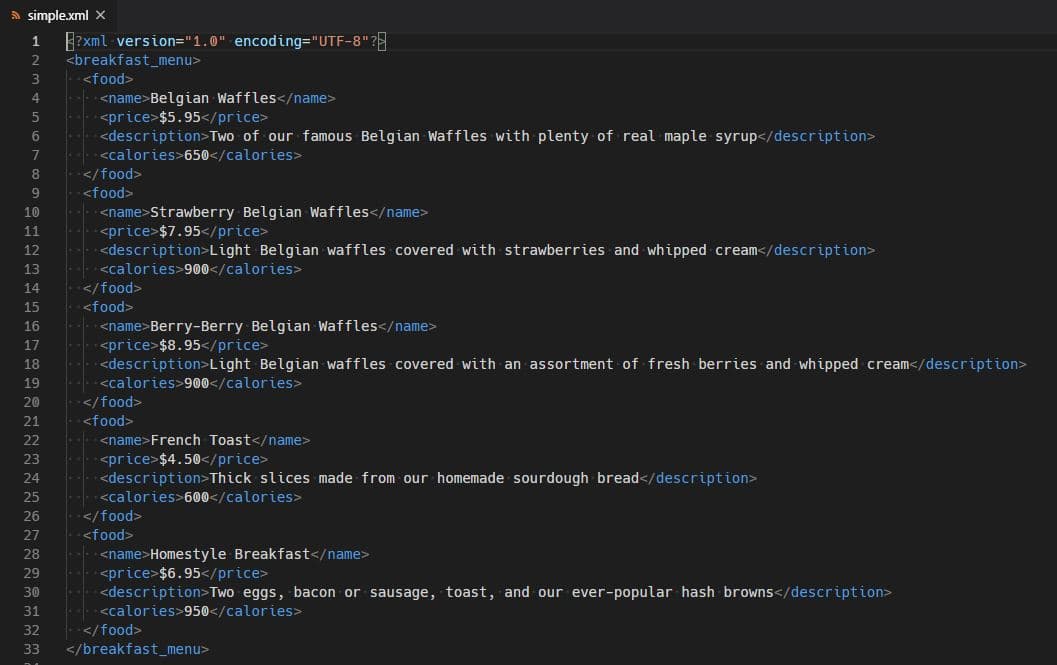
As you can see, the data is organized hierarchically, which makes it challenging to compare values or spot patterns at a glance.
How Excel Represents the Same Data
When you convert XML to Excel (XLSX), the hierarchical data is transformed into a flat table format with clear columns and rows:

This tabular format is compatible with Microsoft Excel, Google Sheets, LibreOffice Calc, and other spreadsheet applications.
The Conversion, Step by Step
Four steps on the XML to Excel converter page:
The entire process takes just a few seconds, even for large XML files.
What the Converter Handles
Common Use Cases
Our XML to Excel converter is used by professionals across industries:
- Data analysts: Converting API responses for analysis
- Developers: Transforming configuration files for review
- Business users: Converting reports and exports from enterprise systems
- Accountants: Processing financial data from banking systems
Need More Control? Try Our Advanced Options
For complex XML structures, we offer additional conversion options:
- •XML to CSV Converter - No row limits like Excel, ideal for large datasets
- •XML to JSON Converter - No row limits, perfect for web applications and APIs
- •Custom Converters - Save your conversion settings for repeated use
- •AI Converter Studio - Build custom converters with AI for complex or non-standard XML structures
Ready to Try It?
Head over to the converter and upload your XML file. No registration is required for your first conversions.
Open the XML to Excel converter